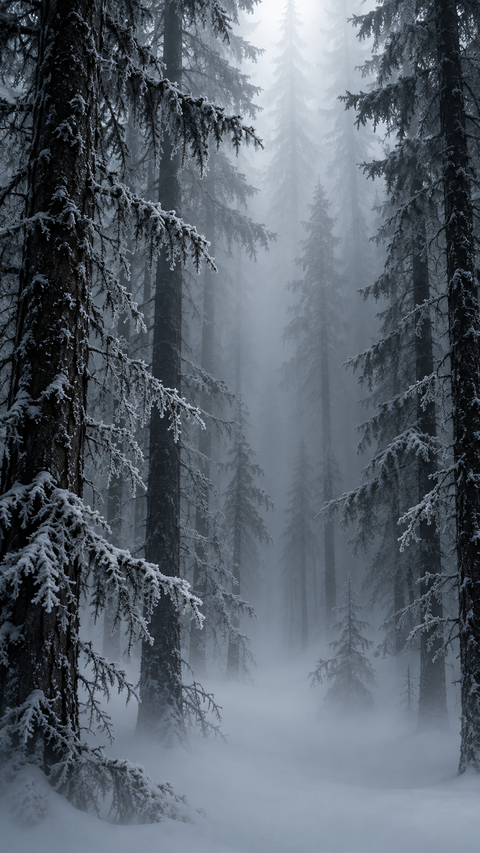
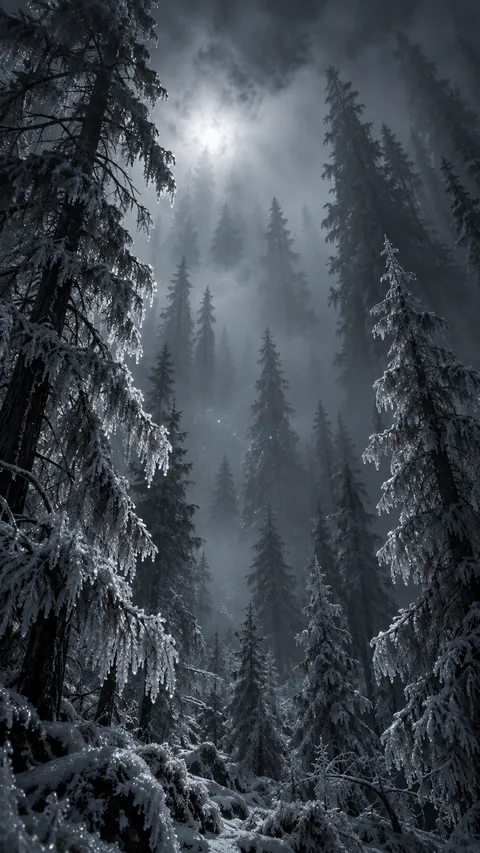
Pines in Freezing Fog
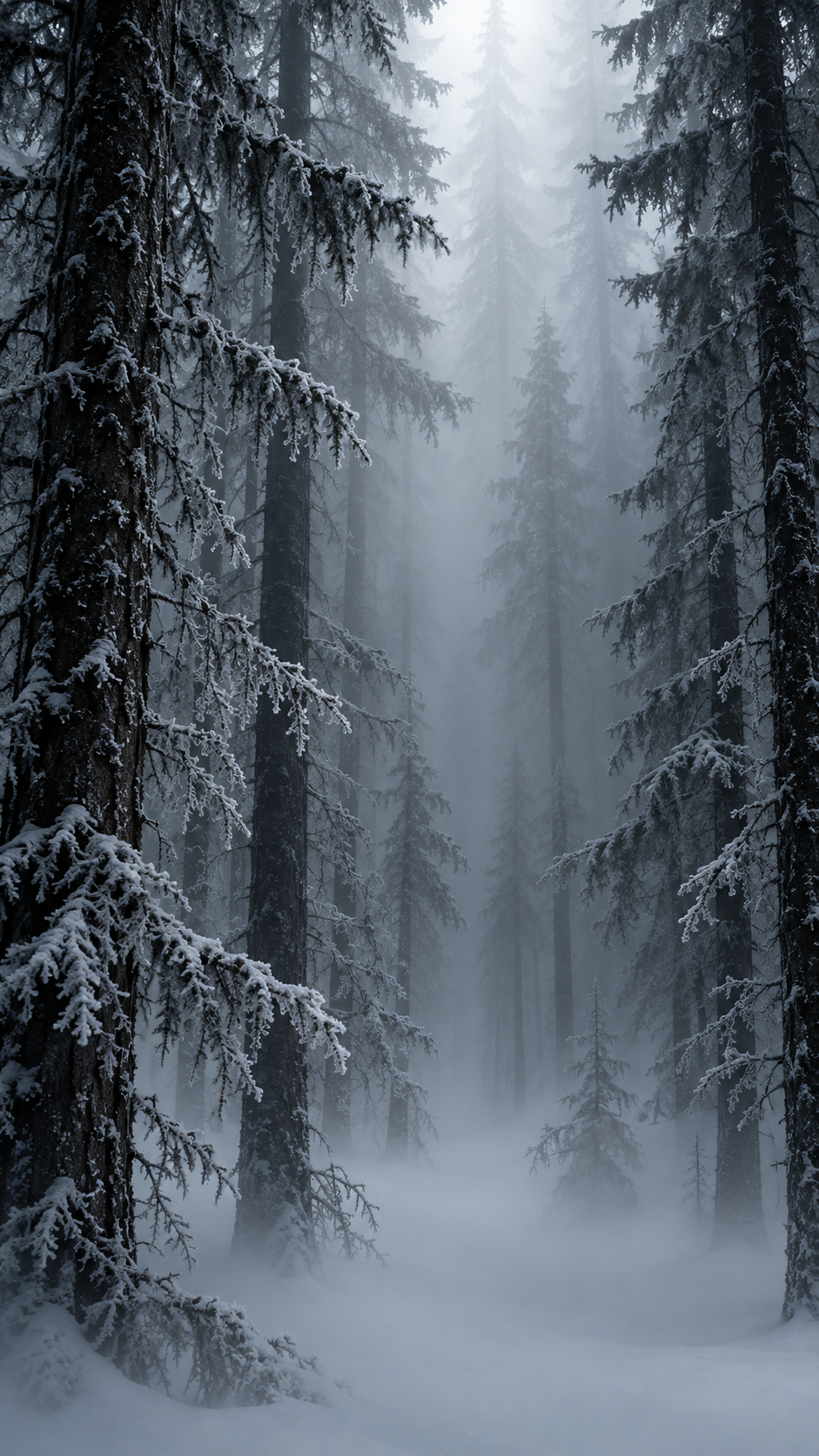
Dense ice fog drifts through a black spruce forest, trunks fading into ghostly white layers. A winter phone wallpaper in midnight blue — free download.
Dense ice fog drifting through a black spruce forest, tree trunks fading into white ghostly layers, frost hanging in the still air, faint cold light filtering from above, the fog thickening between the trunks until only the nearest trees hold their shape, every branch furred white, the forest floor a soft white void.
The palette stays in midnight blue, charcoal grey, layered so the eye moves from the darkest corners toward whatever faint light the scene allows. It reads as winter without tipping into flat black — there is always texture in the shadows.
As a phone wallpaper it sits well behind icons and widgets — dark enough to keep text readable, detailed enough to reward a second look. Free download in full resolution.
This is a phone wallpaper at 941×1672, in 9:16. On a phone, the tall composition matters more than the subject alone: check that the subject survives behind the clock and widgets on both the lock screen and the home screen before you settle on it. The dominant colors are #8090a0, #505060, #303040, #304040. Dark tones dominate, so the image stays quiet behind icons and text rather than competing with them. Filed under: dark aesthetic, moody, winter, fog, forest.
Pines in Freezing Fog
Crossroads in Ravenwood
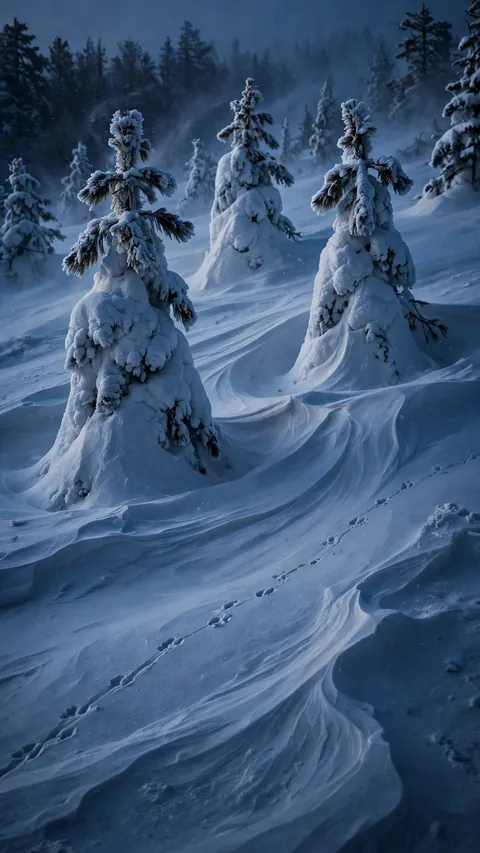
The Snow Ghosts Stand Watch
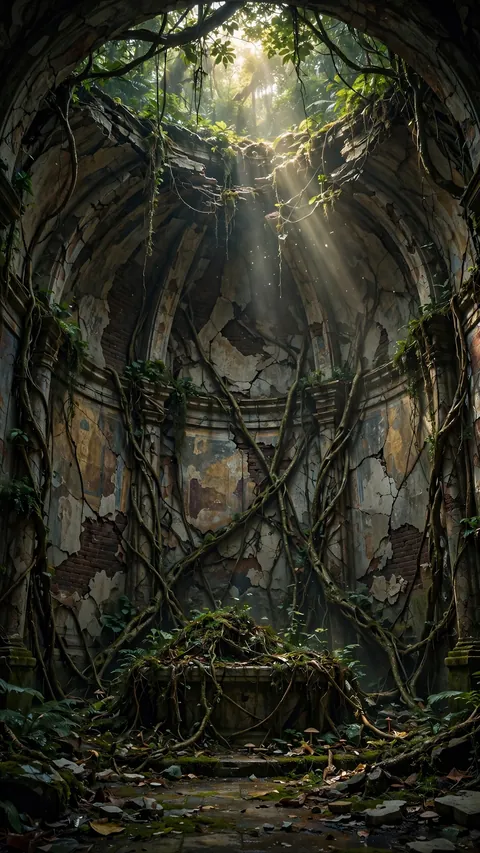
The Apse in the Vine's Grip

Roots in the Robing Room
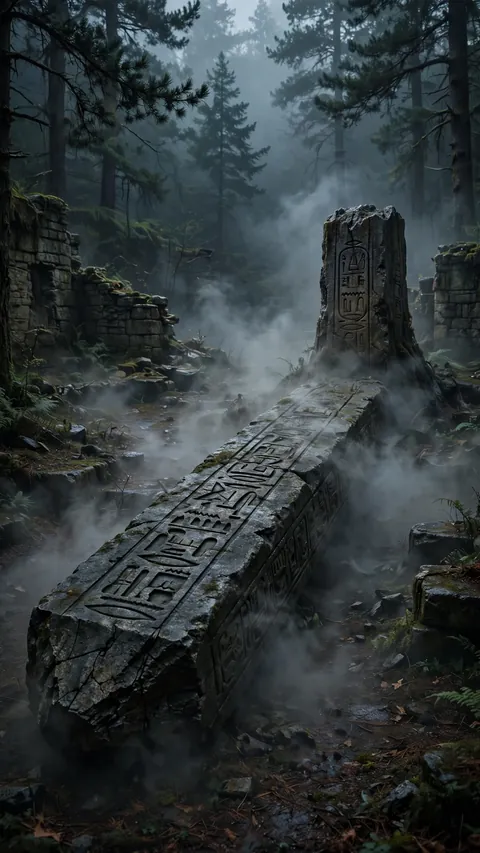
The Fallen Finger of Stone

The Shrine the Forest Ate
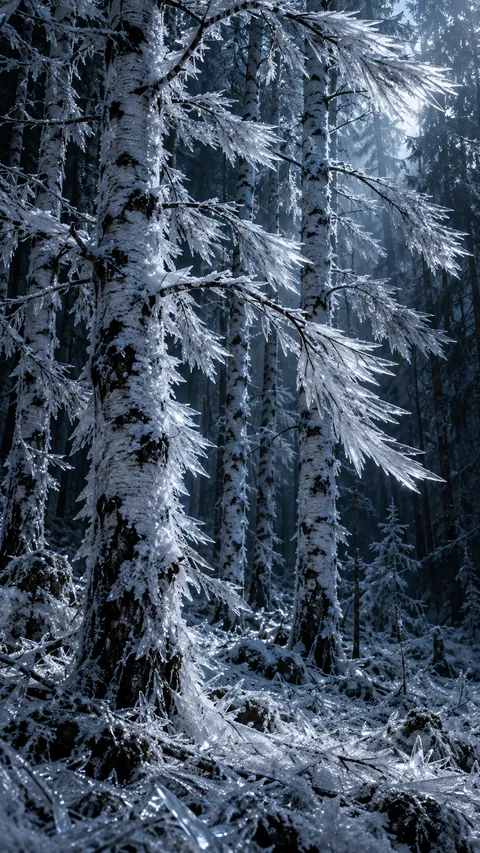
Birches Armored in Rime
Fog Over Sleeping Ground
Pines Bent by the Cold

The River Exhales Cold
A Heartbeat of Green Gold