The Harbor That Stopped Waiting
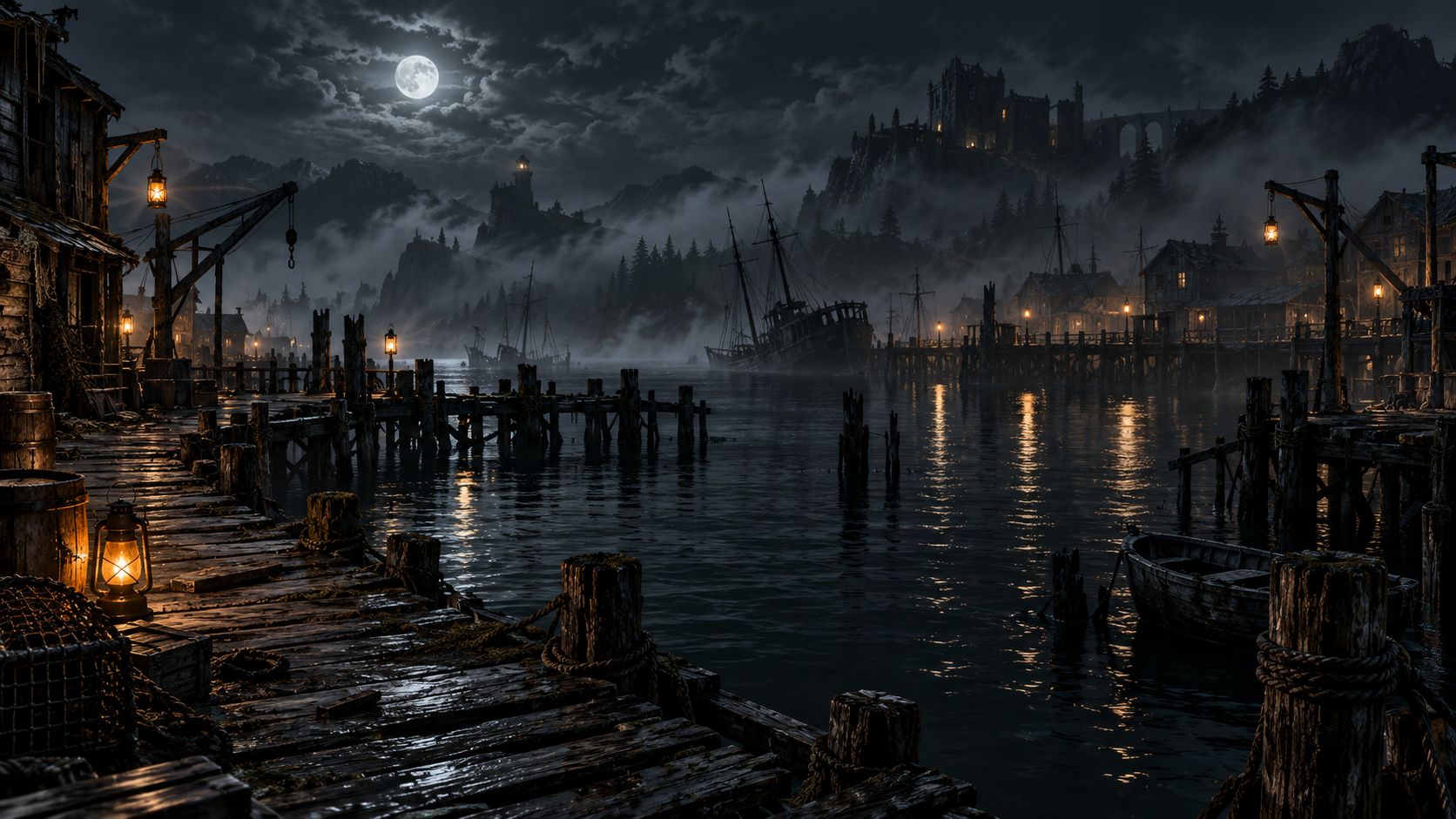
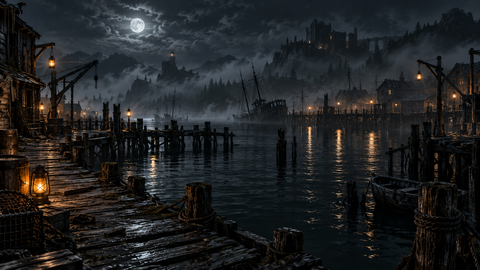
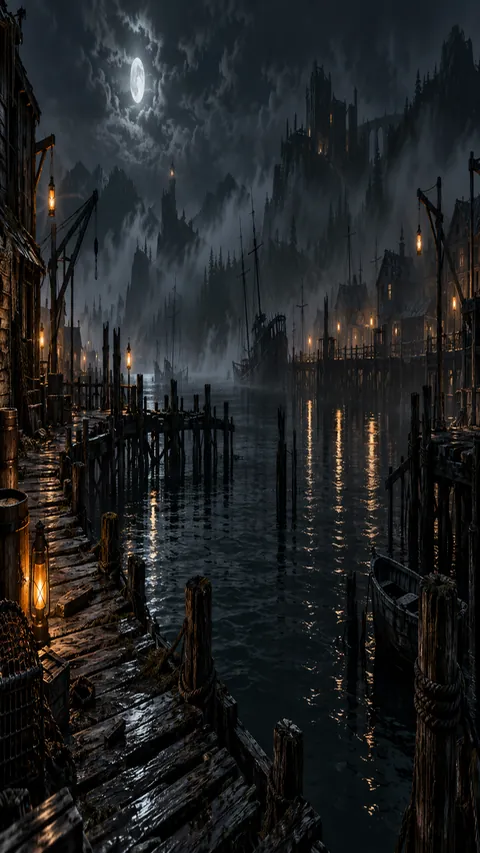
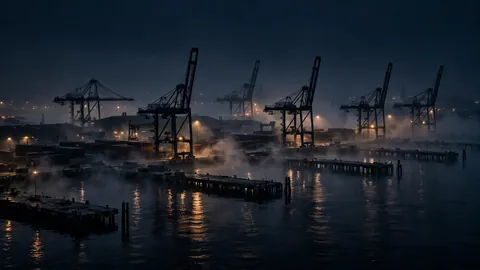
A panoramic midnight harbor, rotting piers stretching across black water under scattered lantern light and rolling fog. Free desktop download. Deep black ocean aesthetic.
Horizontal 16:9 desktop wallpaper, panoramic view of an abandoned harbor at midnight, rotting piers stretching left to right across black water, scattered lantern reflections, fog rolling over the far shore, cinematic wide composition.
The ocean feeling comes through in the color work: deep black, blended so transitions feel natural instead of posterized. Darkness here is a gradient, not a void.
On a desktop screen the dark regions keep app labels crisp while the finer details emerge on closer inspection — the kind of wallpaper that doesn’t get old after a week. Free download in full resolution.
This is a desktop wallpaper at 1672×941, in 16:9. On a desktop, the wide composition matters more than the subject alone: leave room for icons on one side, and check that the darkest area does not swallow your taskbar or menu bar. The palette is anchored in pure black (#000000), so on an OLED phone the darkest pixels switch off entirely — the image reads as black, not grey, and app labels stay crisp against it. Filed under: dark aesthetic, moody, ocean, night, harbor.
The Harbor That Stopped Waiting
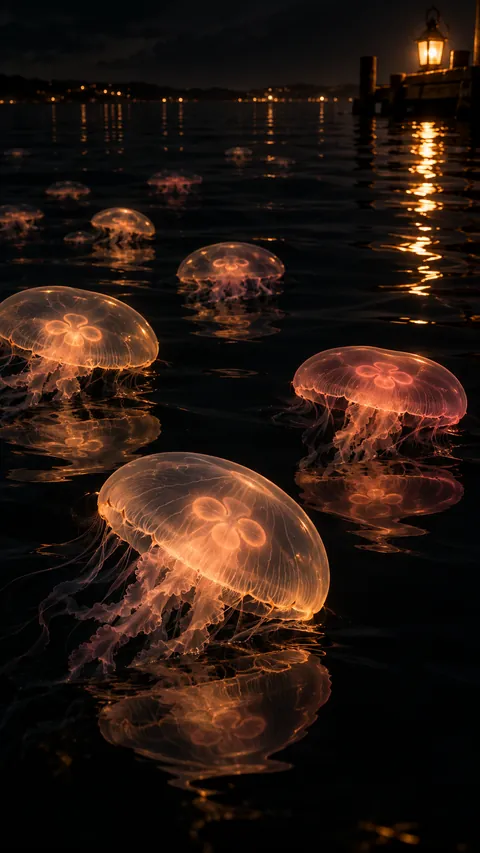
Amber Bells on Black Glass
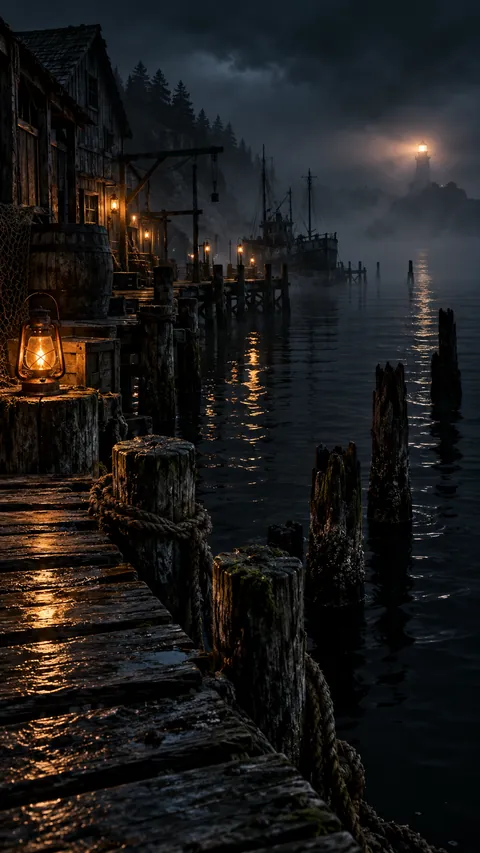
The Harbor That Stopped Waiting
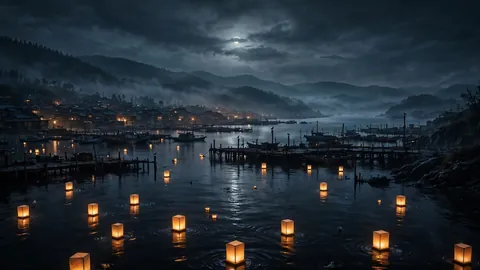
The Astrolabe Harbor in Wide Moonlight
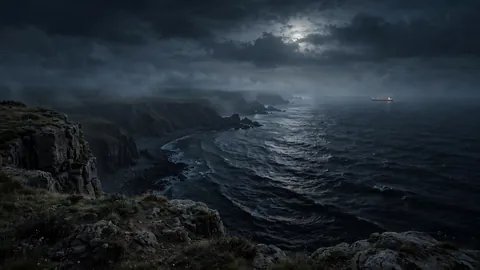
The Spyglass Coast in Wide View
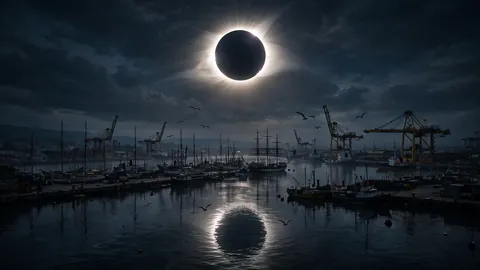
Eclipse Over the Harbor
The Iron Harbor at Night
The Swing Bridge at Night
The Bay That Glows Back
Where the Ocean Breathes In
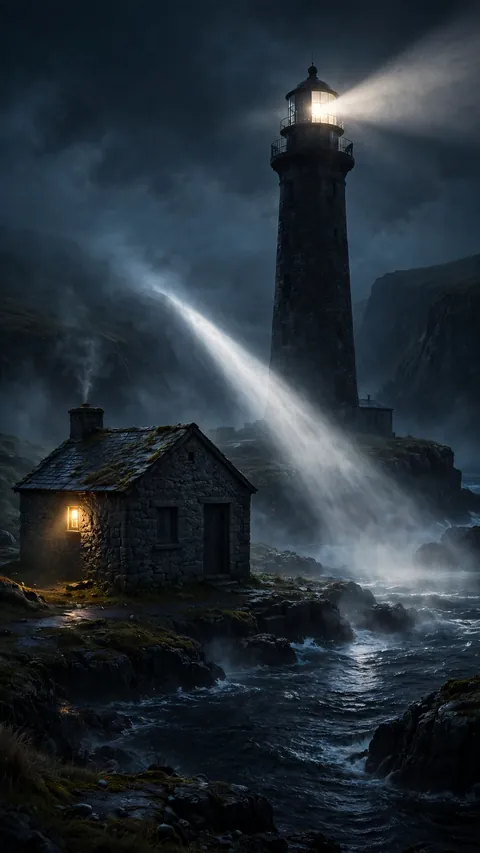
The Keeper Who Never Left
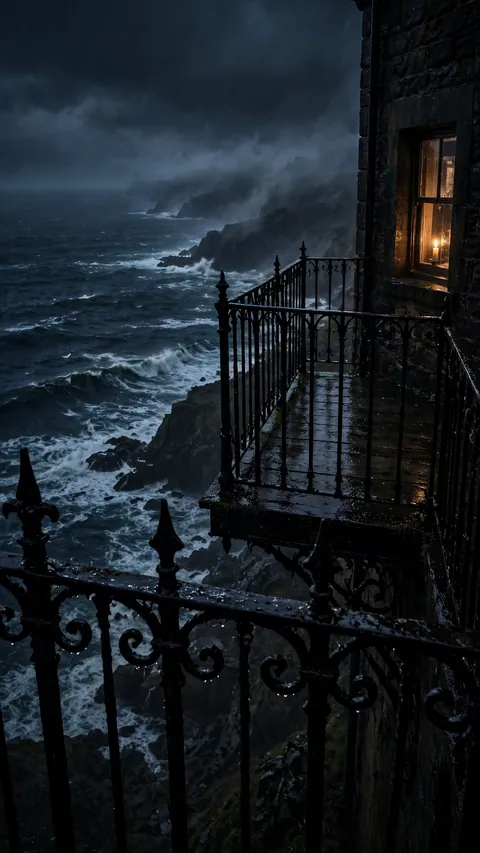
The Widow's Walk Above the Sea